How to Video Call a Match on Tryst
A step by step guide to voice and video calls on Tryst: starting a call, choosing who can call you, call costs, and fixing camera or microphone problems.
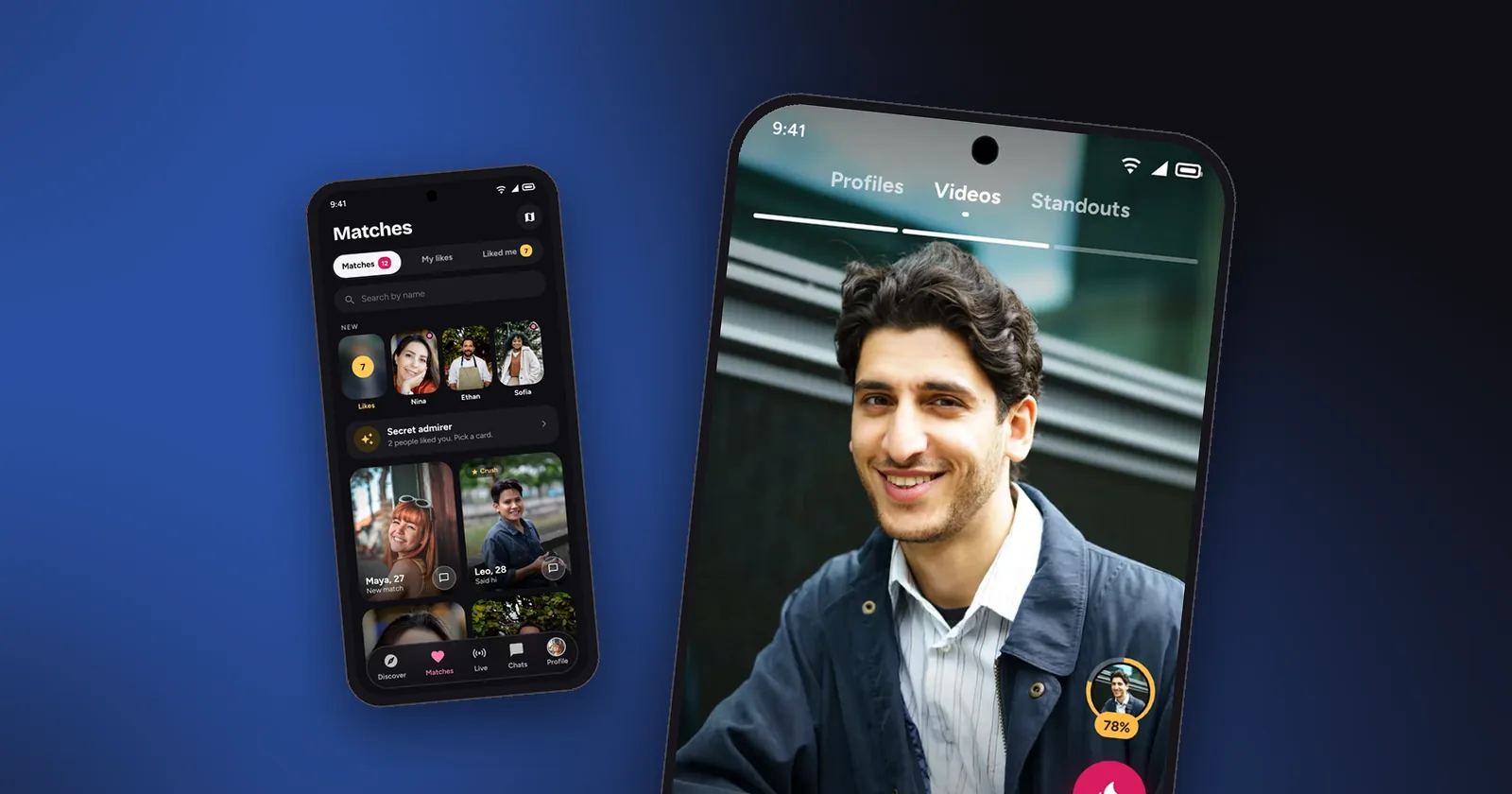
A short video call is the fastest way to know whether a match is worth meeting. Tryst has voice and video calling built in, so you never need to swap phone numbers or move to another app. Here is how it works.
Start a call
- Open Chats and select the person you want to call.
- At the top of the conversation, tap the video call button for video, or the voice call button for audio only.
- Allow camera and microphone access the first time your phone or browser asks.
- Wait for them to answer. If they do not pick up, send a quick message and suggest a time.
Ask before you call
An unexpected video call can feel like a lot. A short message such as "Free for a quick video call tonight?" works much better than calling out of the blue, and it gives the other person time to find a quiet spot.
Choose who can call you
Go to Settings, then Calls. You can allow calls from matches only, from everyone, or from nobody. You can also turn video calls off and keep voice calls on. We recommend matches only.
Do calls cost anything?
Voice calls are free. Video calls are free for Tryst VIP members. Other members use a small number of coins to start a video call. Receiving a call is always free.
Calling from the web
Calls also work at jointryst.com in your browser. Keep the Tryst tab open if you are expecting a call, because a browser can only ring while the page is open. For calls that ring even when you are not looking, use the Android app.
Camera or microphone not working?
- Check permissions: on Android, open your phone Settings, then Apps, then Tryst, then Permissions, and allow Camera and Microphone. In a browser, tap the icon next to the address bar and allow both.
- Close other apps that might be using the camera, such as another video call.
- Check your connection. Switch between WiFi and mobile data if the picture freezes.
- Update Tryst to the latest version from Google Play.
Your privacy on calls
Calls run inside Tryst, so your phone number stays private. Calls are not recorded. If a call makes you uncomfortable, end it and use block or report, which you can do during the call or from the chat.
Make the most of your first call
Keep it short, ten to fifteen minutes is plenty. Sit facing a window or lamp, hold the camera at eye level, and lead with curiosity. For ideas, see our list of first video date questions.